A browser survival game about scavenging, trading and choosing factions in a shared zombie world.
Reviewed editions: Browser / official edition. Unverified region, wallet and language conditions are marked in the entry section below.
Sources reviewed
A zombie survival game that starts in a hospital with food, water and heat to manage
Deadtiles is an isometric multiplayer survival game set in the quarantined Ashen County. Scavenge, manage hunger, thirst and temperature, and take faction jobs or trade in town. The developer provides a free browser entry. [1][2][3]
The official guide describes free play with a Phantom or Solflare sign-in. [3]
Android release
The developer describes an Android APK on GitHub. Japanese Google Play distribution and hands-on device operation were unverified. [4]
Community
The developer lists Telegram and X as public channels. An official Discord for this game could not be verified. [5]
Your first route runs from the hospital to the barracks
The handbook begins at Birchport Hospital. Talk to Doctor Clark, eat the tuna and drink the water in your pack. Check the map for the hospital, market and barracks, then report to Captain Davis. On PC, click or use WASD to move and Tab to open inventory. [3][6]
Watch temperature and infection outside, faction rules inside
Fire and dry layers help you warm up after getting wet. Infection cuts maximum health as it rises, and it pauses when you log out. Searching protected property can turn guards hostile. The National Guard and the Red Order hold different locations, while the Ashen Traders handle supplies at the market. [1][7][8][9]
County banknotes and Solana Deadmarks serve different purposes
Banknotes buy supplies in the game. Shipping them out normally requires at least 250 notes, space in the daily shared pool, and room under the player’s Ashen Traders standing cap. The handbook describes the conversion conditions; those conditions do not establish a cash-out price or earnings. [9][10]
Reviewed from official documentation and stores. No installation, login or gameplay was performed. Instructions are documented paths, not verified in-app completion.
A closer look at the gameplay
Scavenging and faction choices in a shared world
The official guide describes a shared, quarantined Ashen County where players scavenge, manage food and cold, trade and choose factions. Leaving a safe area, preparing supplies and trading are distinct choices.
Image: Deadtiles official site; captured build unspecified.
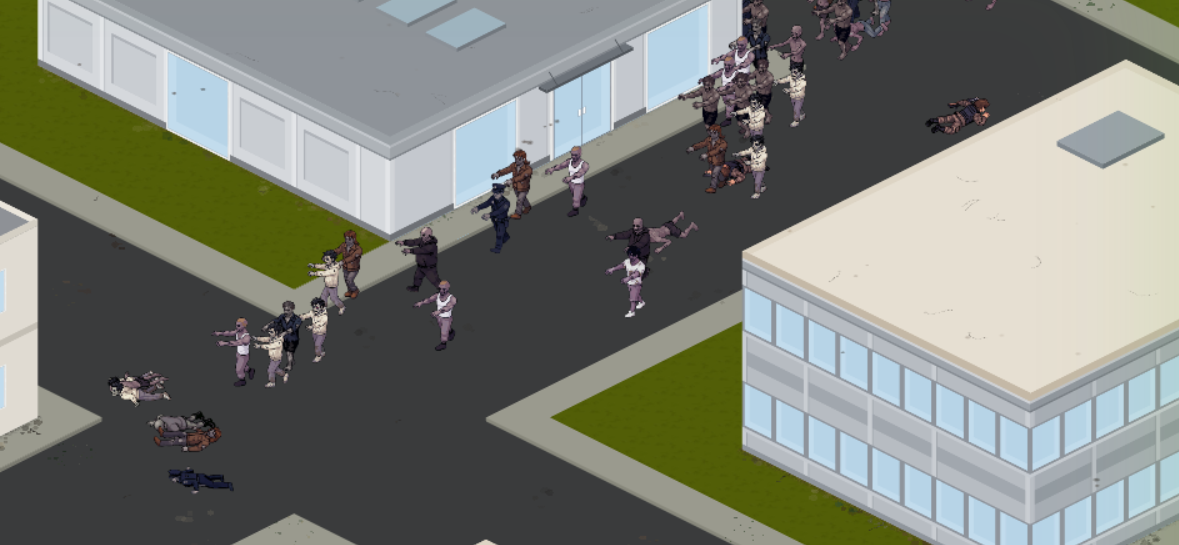
The official site shows a horde moving through a town. On November 11 the operator said a new 3D engine was in development; we cannot establish that this image comes from that engine. Its rollout date and the image’s captured build are unverified.
Image: Deadtiles official site; captured build unspecified.
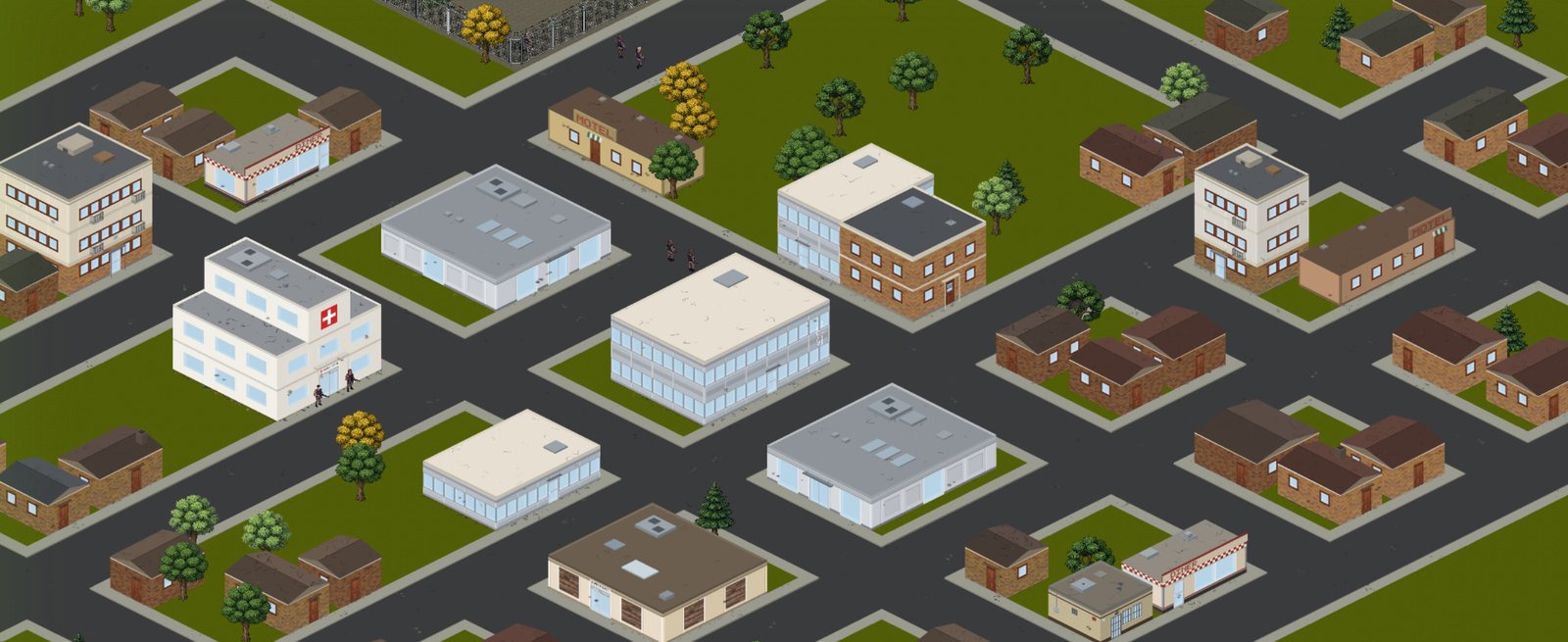
Another official image shows a town with houses, a hospital and roads. The operator describes scavenging, trading and choosing factions. Its capture date and the current town layout are unverified.
The official terms describe free browser entry and sign-in with Phantom or Solflare. Other players can take carried items, and progress or items can also be lost through gameplay, bugs or resets. An additional Android sign-in option is not attributed to the browser edition.
The official terms say shipping in-game notes to the signed-in wallet requires at least 250 notes and is subject to standing-based limits. It does not promise a price or profit, and network fees are separate. The November 4 introduction is a project press release, not independent evidence of player earnings.
The official browser edition says it is free to enter and uses Phantom or Solflare for sign-in. Carried items can be taken by other players and resets can occur; token shipment is not a promise of profit. Access from Japan, Japanese language, connection and actual play have not been verified.